Modes

Choose the right mode for the job

This page helps users understand the difference between Sinixium Game Builder, Full Game World, and Openworld Builder.

Mode 1

Sinixium Game Builder

The builder-first experience. Use it when you want to focus on world inventory, asset placement, advanced builder tools, and creation workflows.

  • Best for creation and editing
  • Strongest builder tool visibility
  • Ideal for inventory-based building

Mode 2

Full Game World

The newer xworld runtime. Use it when you want to test your world in a playable environment while still using builder-connected systems.

  • Playable runtime
  • Useful for testing worlds live
  • Includes builder-connected tools

Mode 3

Openworld Builder

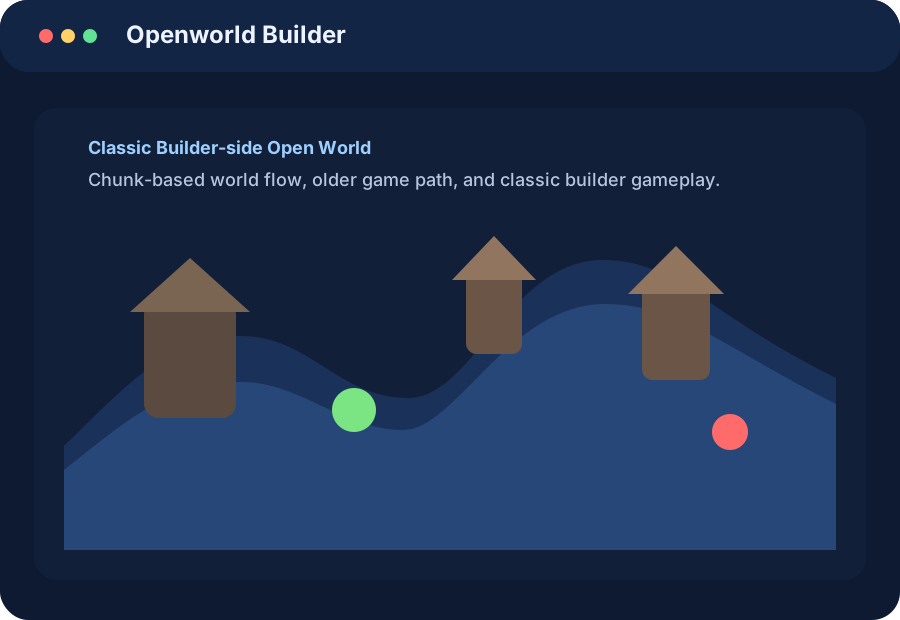
The classic builder-side world path. Use it for the older open-world builder/game style with the original workflow and classic presentation.

  • Classic builder-side path
  • Good for older workflow fans
  • Separate from the newer xworld runtime

When to use what

Simple decision guide

  • Choose Sinixium Game Builder when your main goal is creation.
  • Choose Full Game World when your main goal is live testing.
  • Choose Openworld Builder when you want the classic builder-side open world.
Openworld Builder branded section
Openworld Builder visual