Premium builder platform
Build bigger worlds with
Sinixium Game Builder.
Showcase your full 3D creation platform with a premium website for launching worlds, learning the workflow, exploring the builder toolkits, and guiding players through every major system.
Direct launch links
https://sinixium.com/builder

Epic Builder toolkits
Branded platform sections
Showcase the strongest parts of the builder
These sections highlight the premium parts of your platform that users want to discover first: avatars, mesh tools, world inventory, and Openworld Builder.
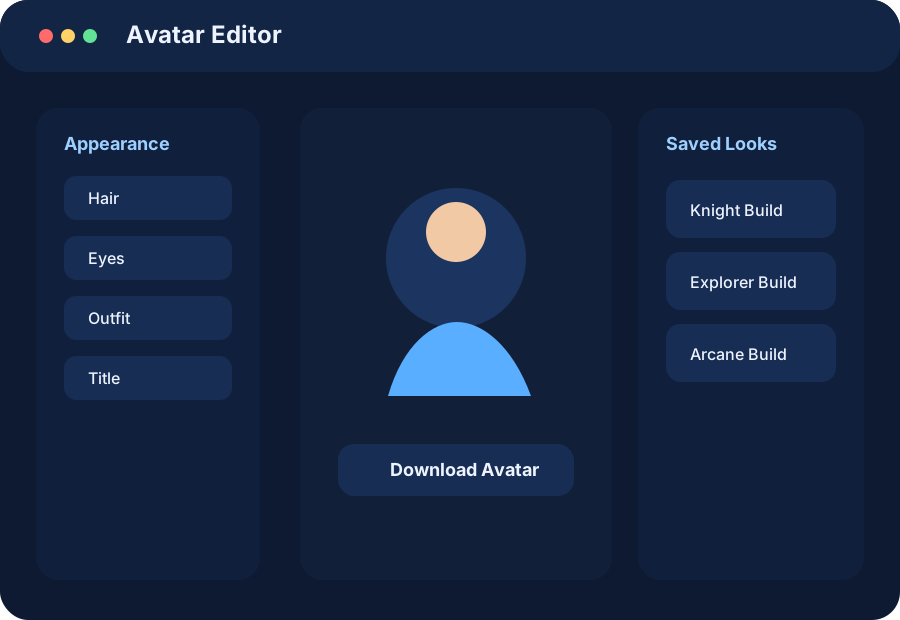
Avatar System
Avatar editing and reusable identity
Create a unique look, save it, download it, and reuse that avatar across builder and game workflows.
Edit appearance
Save avatar files
Reuse across sessions

Mesh Toolkit
Upload, place, and edit mesh assets
Bring in GLB and GLTF content, browse the asset library, place meshes in-world, then move, rotate, resize, duplicate, and manage them.
GLB / GLTF
Native placement
Builder control flow
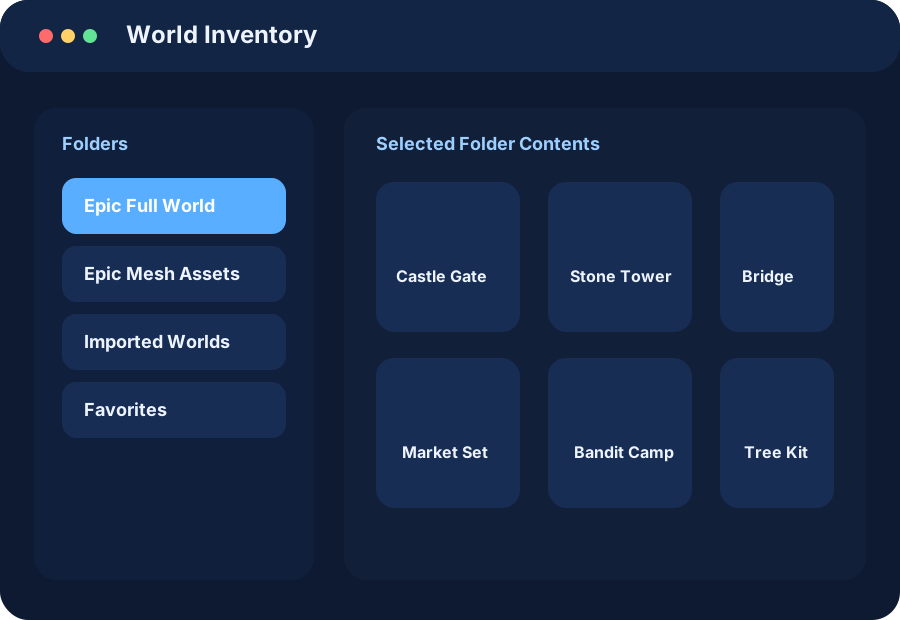
World Inventory
Manage folders, saved items, and imported worlds
Build a library of reusable content with inventory folders, world assets, and rez-ready items for fast world creation.
Folder based
Rez workflow
Imported assets
Classic mode support
Openworld Builder still has its own spotlight
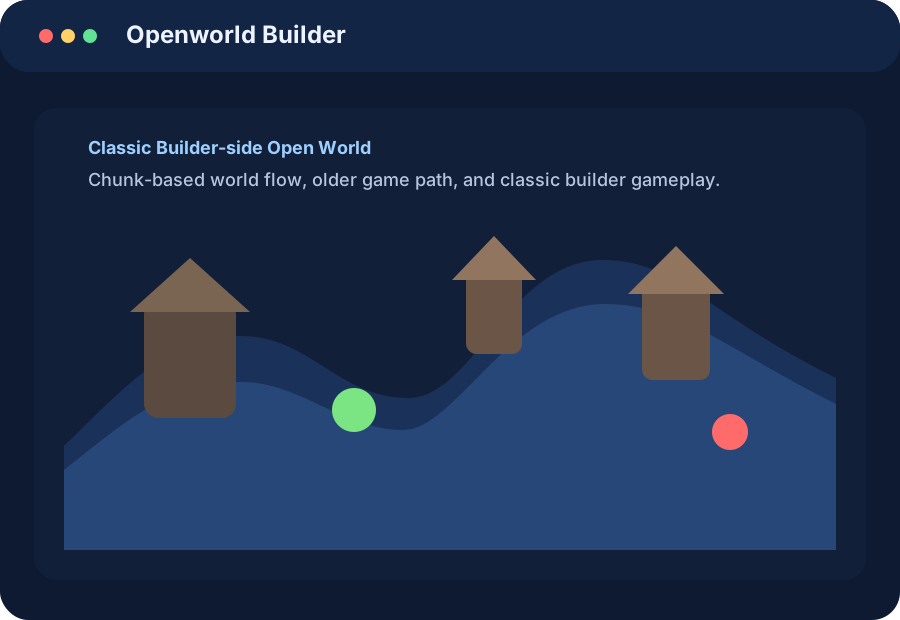
The website now gives the classic builder-side open world a premium presentation too, so users understand when to choose the older zombie/chunk-style world path.
- Direct link to the classic builder-side runtime
- Clear explanation of how it differs from Full Game World
- Dedicated branded section for the older workflow
- Useful for players who prefer the classic builder/game path
Openworld Builder preview
Platform summary
Everything your Epic website should communicate
Use the website as a premium landing page, a how-to manual, and a launch hub for every part of the builder.
🌍
World Building
Create and refine layouts, place structures, build environments, and shape the overall play space.
🧱
Asset Control
Manage meshes, imported content, builder inventory, and reusable world objects from one visual workflow.
🧑
Avatar Identity
Customize a character, save a look, and make avatar identity a clear part of the building experience.
🚀
Easy Launch Paths
Guide players to Sinixium Game Builder, Full Game World, Openworld Builder, and Chronicle with one clean navigation system.
Quick start
Recommended new-user flow
Keep the first-time experience easy: teach the basics, then direct users to the exact mode that fits their goal.
Launch the studio
Begin at the homepage and choose the builder or world mode you want to use.
Open the builder tools
Browse inventory folders, upload meshes, and start building with the native toolkits.
Save, test, and return
Edit assets, save your avatar, then switch modes to test or continue world creation.